How to Create a Raynet API Key
Follow these steps to generate an API key in your Raynet CRM instance. You will need this key to connect your Raynet accounts to the migration tool.
Log in to Raynet CRM
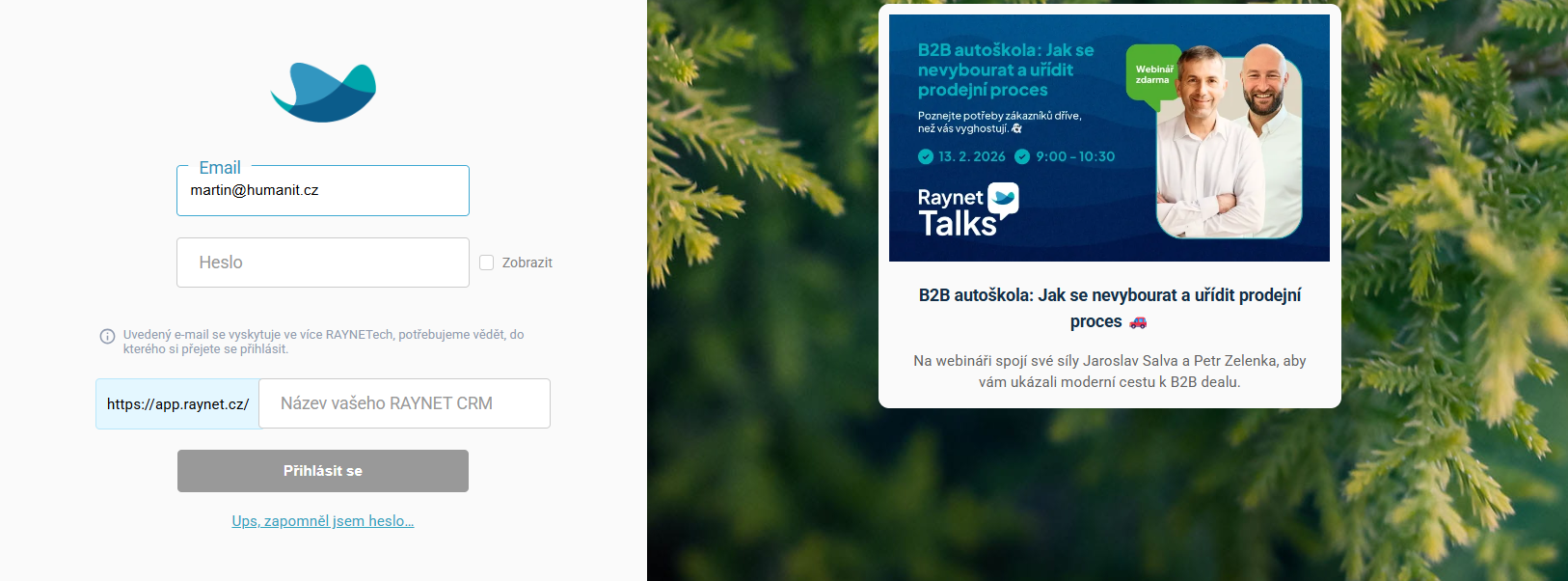
Open your browser and go to app.raynet.cz. Log in with your email and password. If your email belongs to multiple instances, select the one you want to connect.
Open Settings
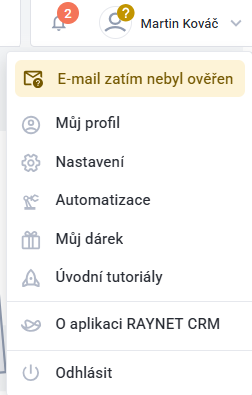
Click on your name in the top-right corner and select "Nastavení" (Settings) from the dropdown menu.
Go to API Keys
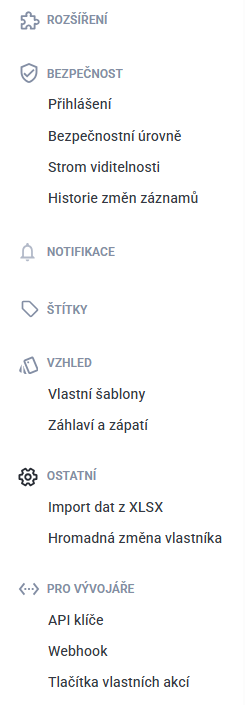
In the left sidebar scroll down to the "Pro vývojáře" (For Developers) section and click "API klíče" (API Keys).
Create a New API Key
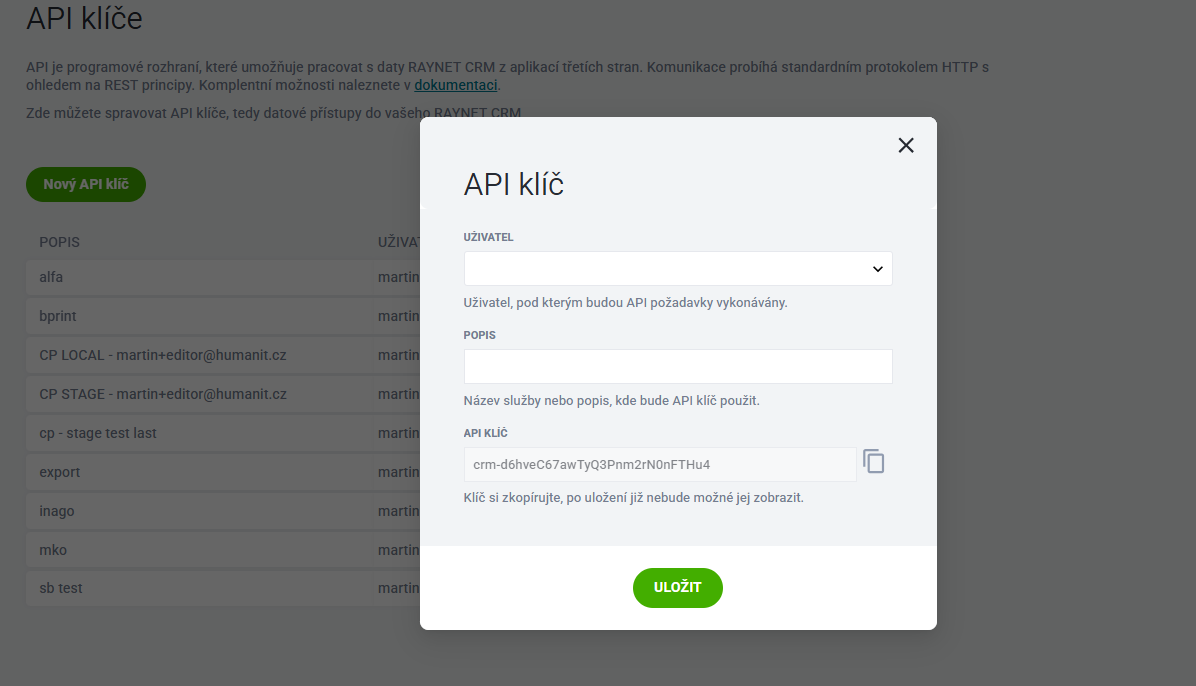
Select the user under whom API requests will be made, add a description (e.g. "Migration Tool"), and copy the generated API key. Save it — the key will be masked after you close the dialog.
Copy Your Credentials
You will need three pieces of information to connect: 1) The API key you just created, 2) The user email shown next to the key, 3) Your instance name (the subdomain from your URL, e.g. "yourcompany" from yourcompany.raynet.cz).

Now that you have your credentials, go to the Connect Raynets page to set up your migration.
Connect Raynets